
To access the MyEducator textbook in your Canvas course:
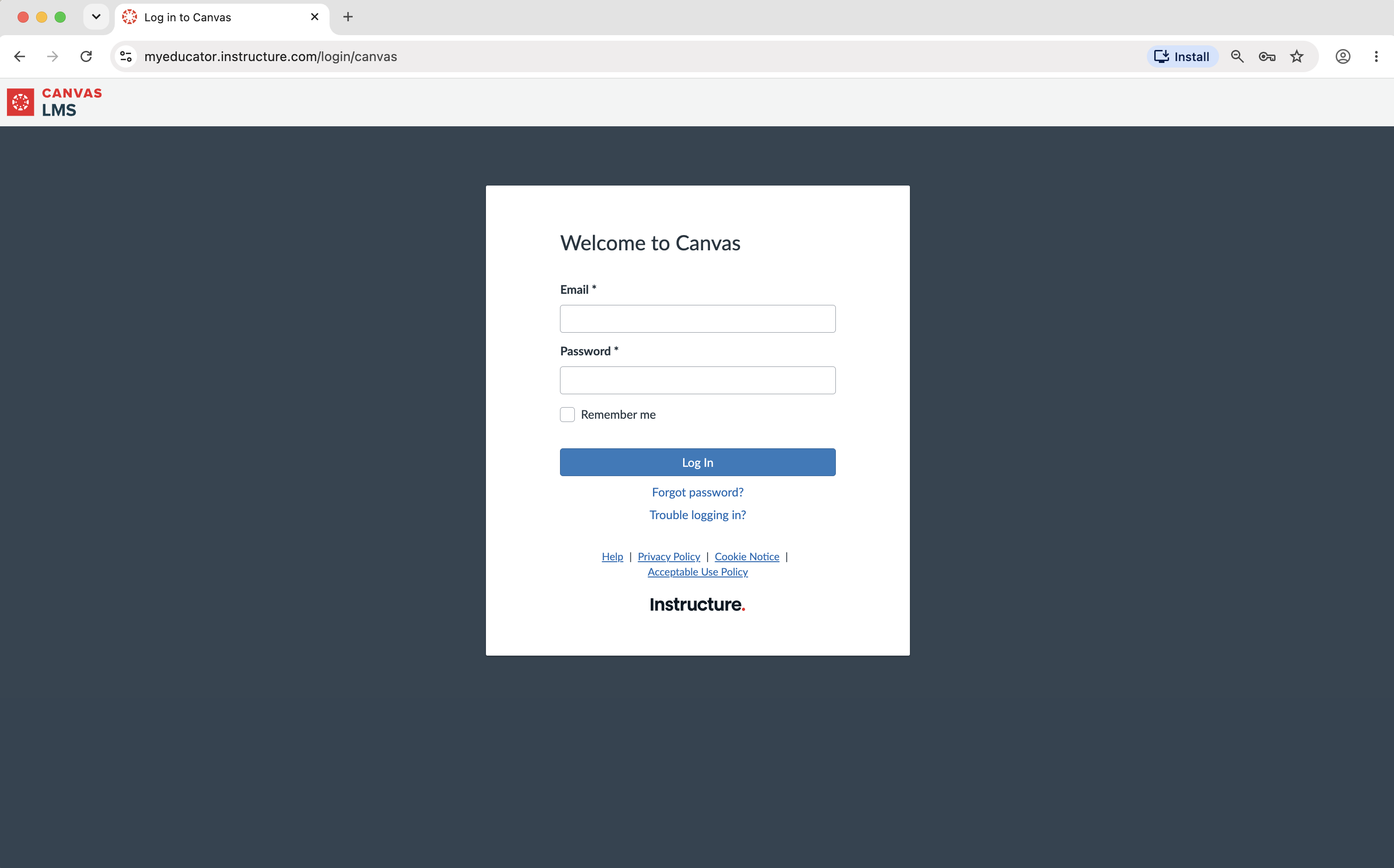
1. Log in to your Canvas account and navigate to your course.
Note: Depending on your school, this may be done through the university/college website.
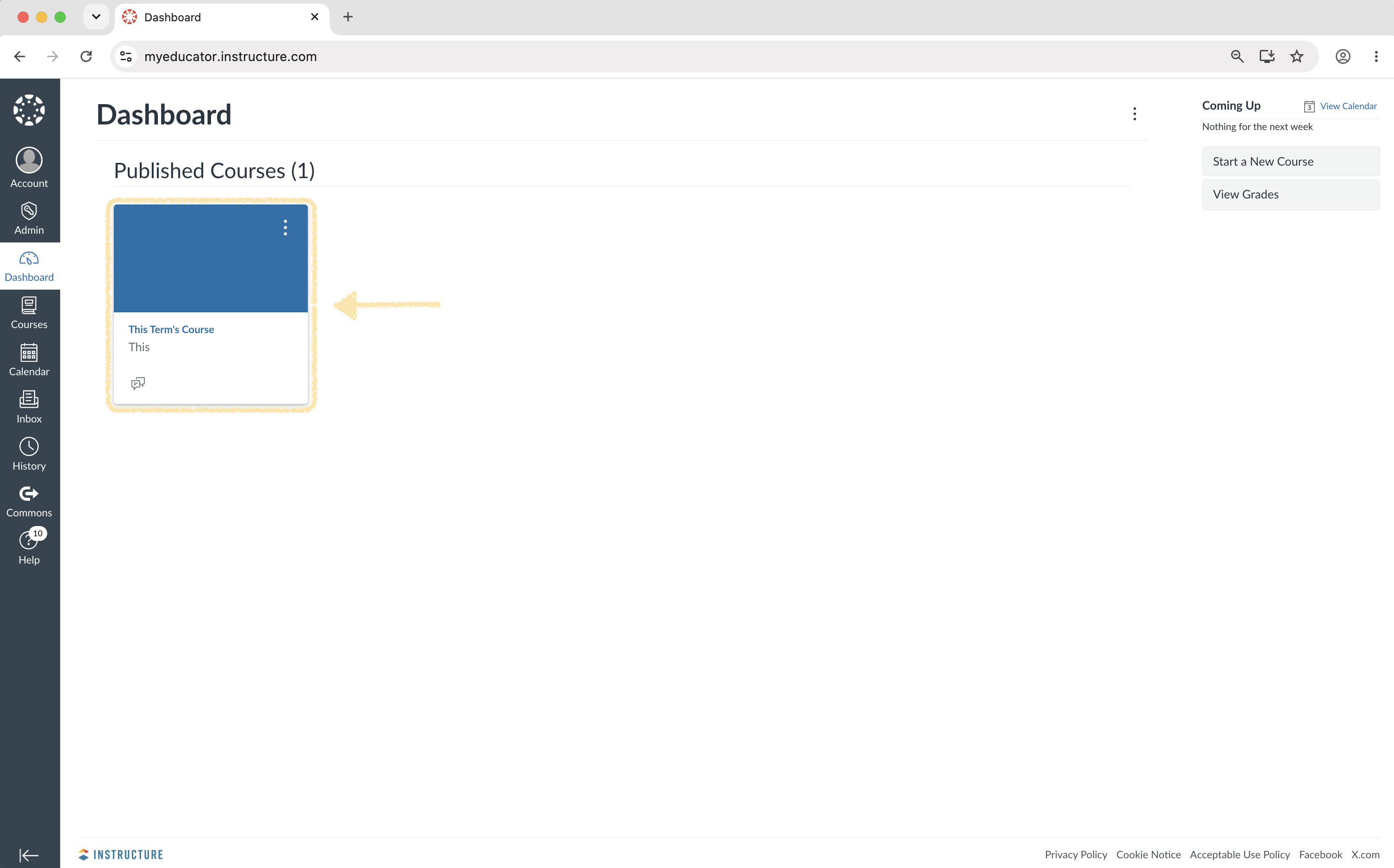
2. Locate and click on a MyEducator link.
Note: These links are usually found in modules on the "Home" or "Modules" page. MyEducator links will often include the words "MyEducator" or "Title Page".
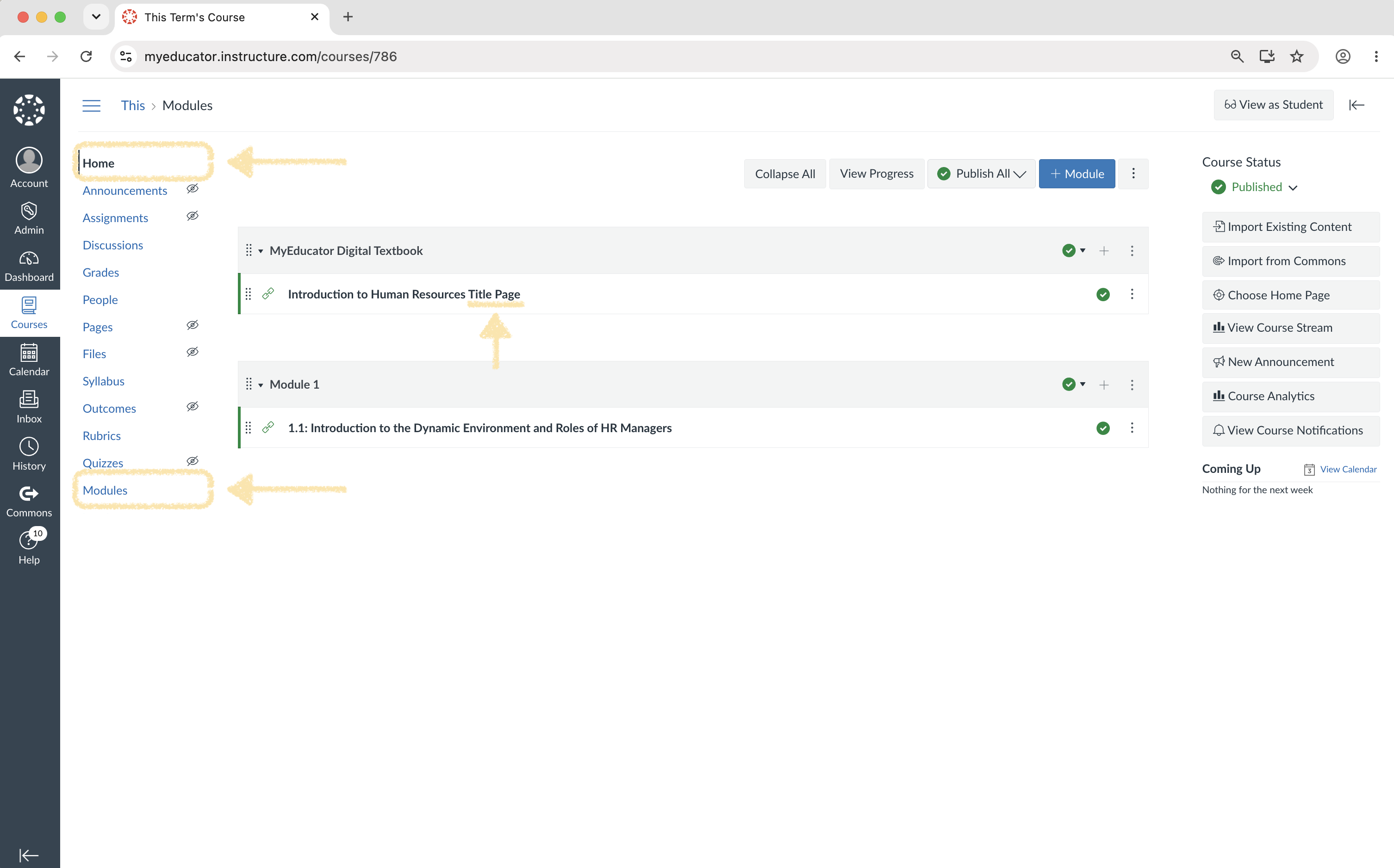
Note: If you are having trouble finding a MyEducator link, please reach out to your instructor or support@myeducator.com.
3. Enter Student ID.

4. Add payment information.
Note: If an "empty shopping cart" appears, please see the notes at the end of this article.

5. Verify the textbook and pricing, and click "Purchase".

6. Accept the MyEducator terms of service, if necessary.

7. Start using your MyEducator textbook.

Note: If you receive a message about an empty shopping cart, please try the following:
- Use a laptop or desktop computer - Do not use a tablet or a phone to purchase the book.
- Use Chrome or Firefox as your Internet browser.
- Please make sure that your email address in Canvas is identical to your email address in MyEducator. This only applies if you have used MyEducator before.
- If you have used MyEducator before and have logged directly into MyEducator (not through Canvas, Blackboard, Brightspace, Moodle), please go to myeducator.com (https://myeducator.com/) and log out.
- If you are still seeing an empty shopping cart... try clearing your browser's cache, closing your internet browsers completely, and then try it again.
Note: Do you have an access code? Click here for step-by-step instructions on how to redeem your pre-purchased access code (https://myeducator.freshdesk.com/support/solutions/articles/14000071756-how-do-i-use-an-access-code-to-access-a-myeducator-smart-textbook-.
Note: If you are retaking a course, you do not need to purchase the content again. Sign up like normal, and the system should recognize your prior purchase. If you have any problems, please contact us at support@myeducator.com.