This article is for LMS administrators, professors, instructors, and course designers.
Each step has associated text and screenshots. Be sure to read all text and view each screenshot for optimal results.
For assistance, contact integrations@myeducator.com or support@myeducator.com.
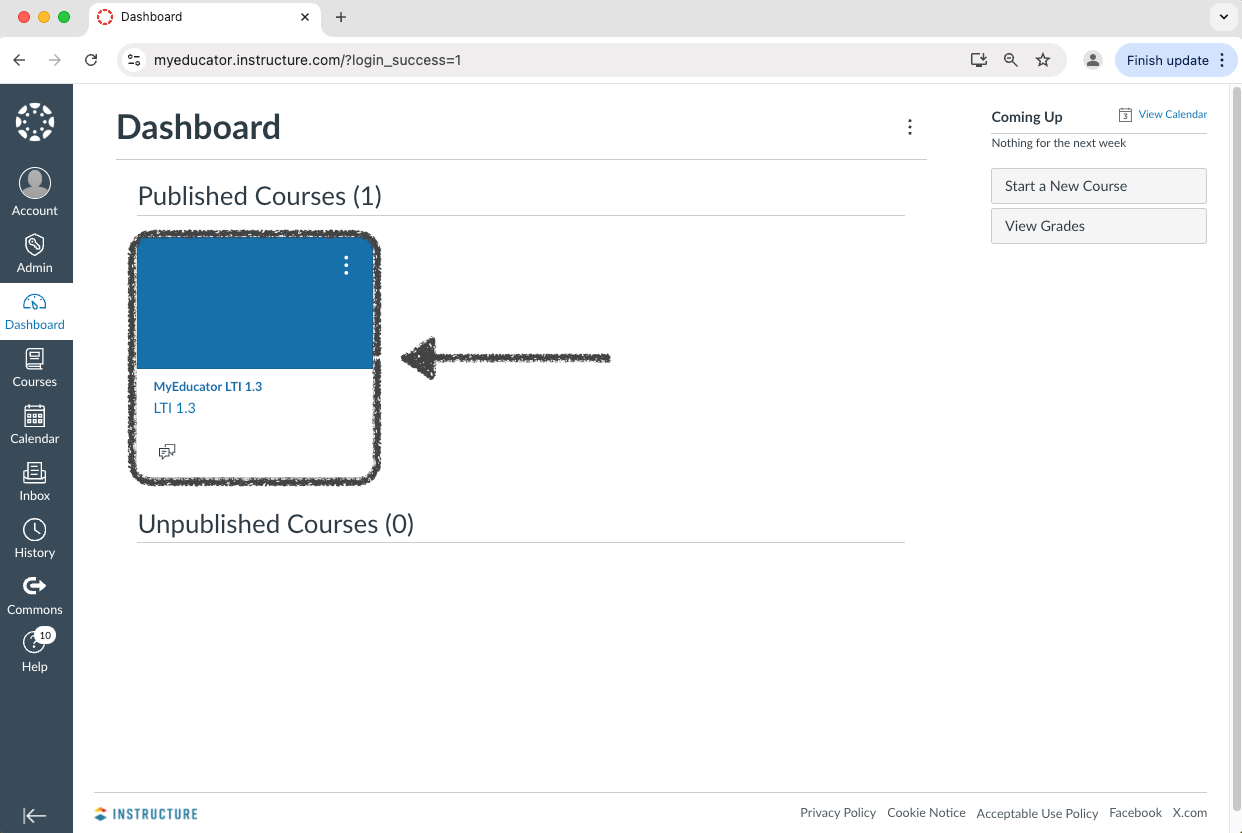
1) Log in to your Canvas account. Locate and click on the course you would like to duplicate.
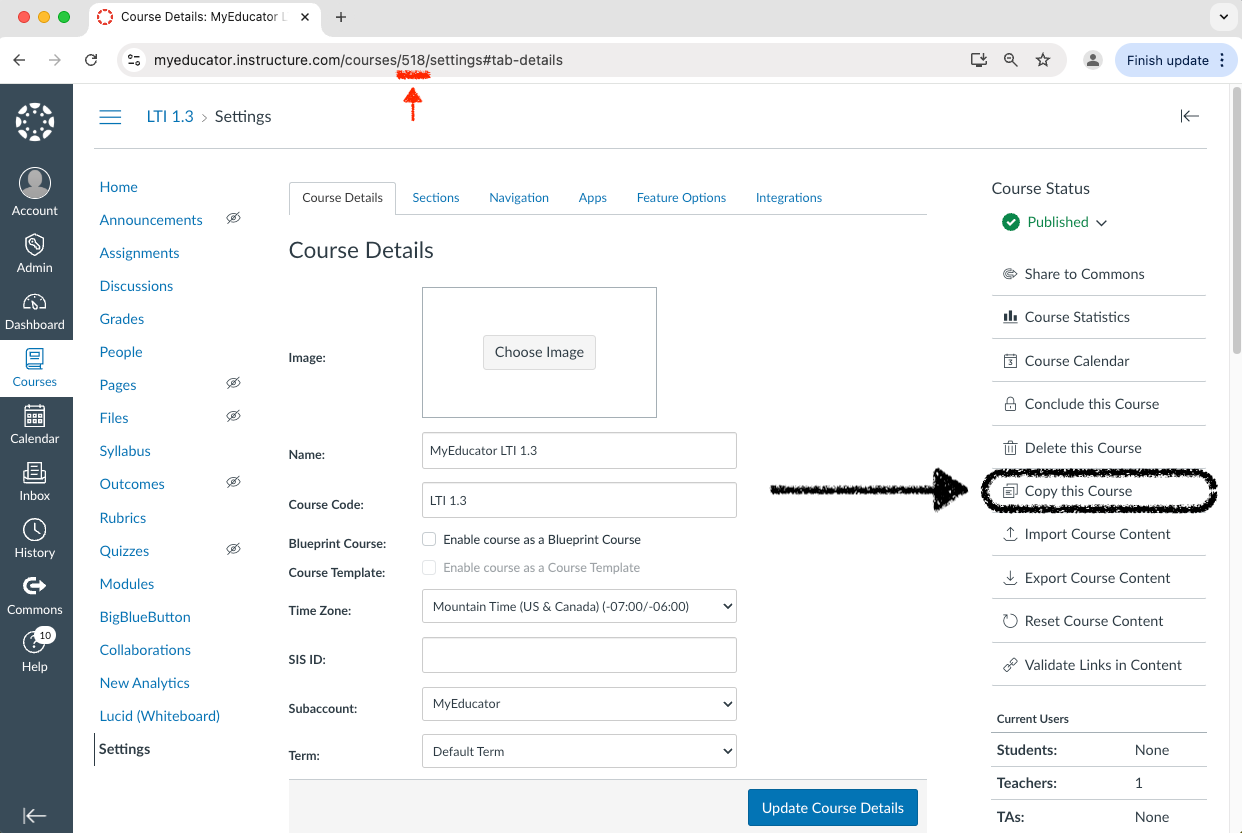
2) Take note of the Canvas course number. Navigate to the “Settings” page.
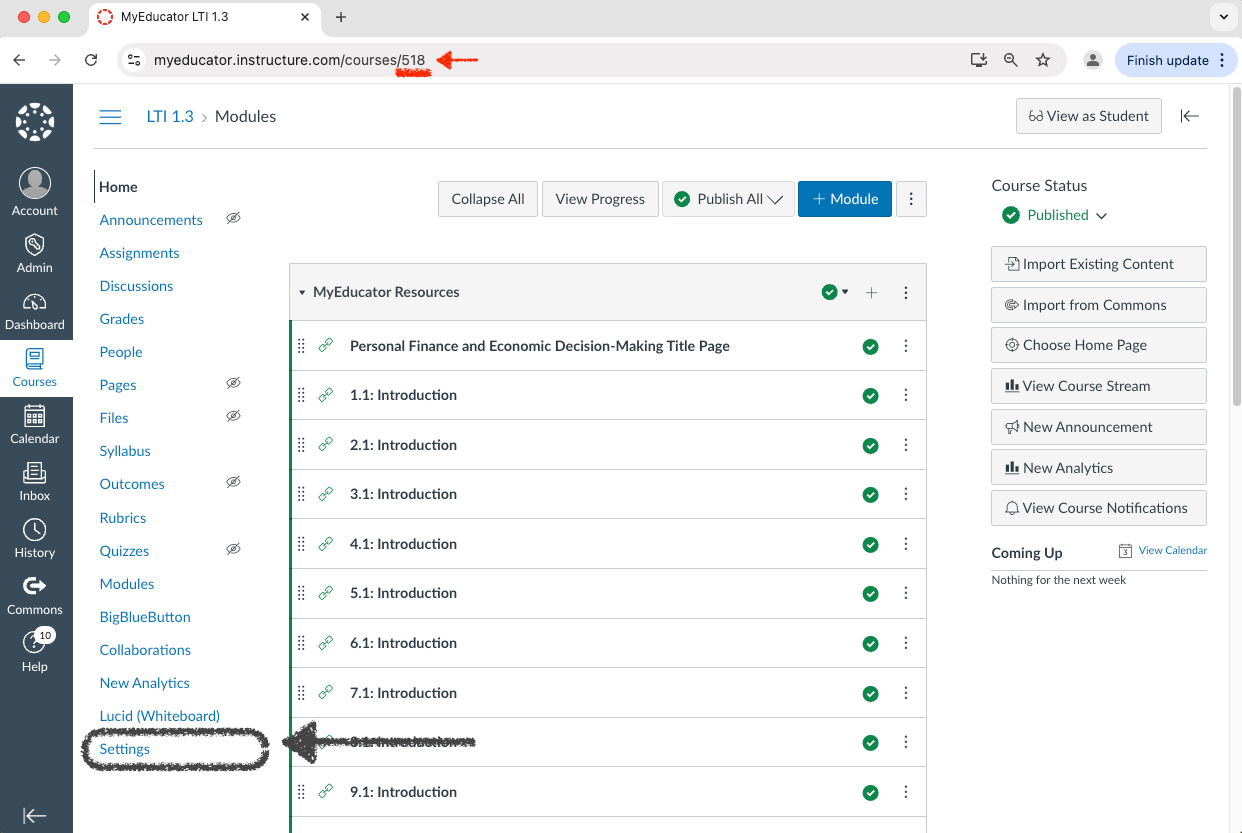
Note: The Canvas course number in the example screenshot above is 518.
3) Locate and select the “Copy this Course” option.
If you do not see the “Copy this Course” option, you do not have permission to duplicate your course. Your LMS administrator will need to do it for you.
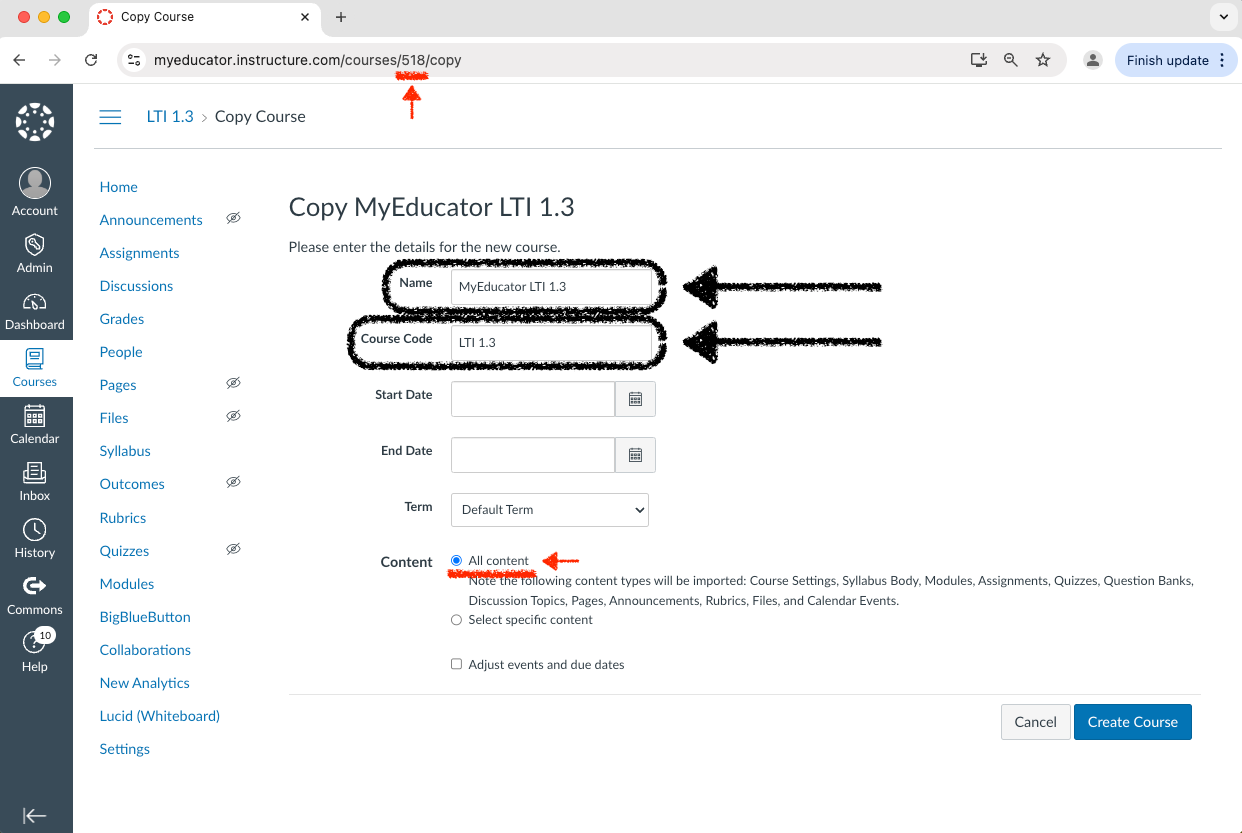
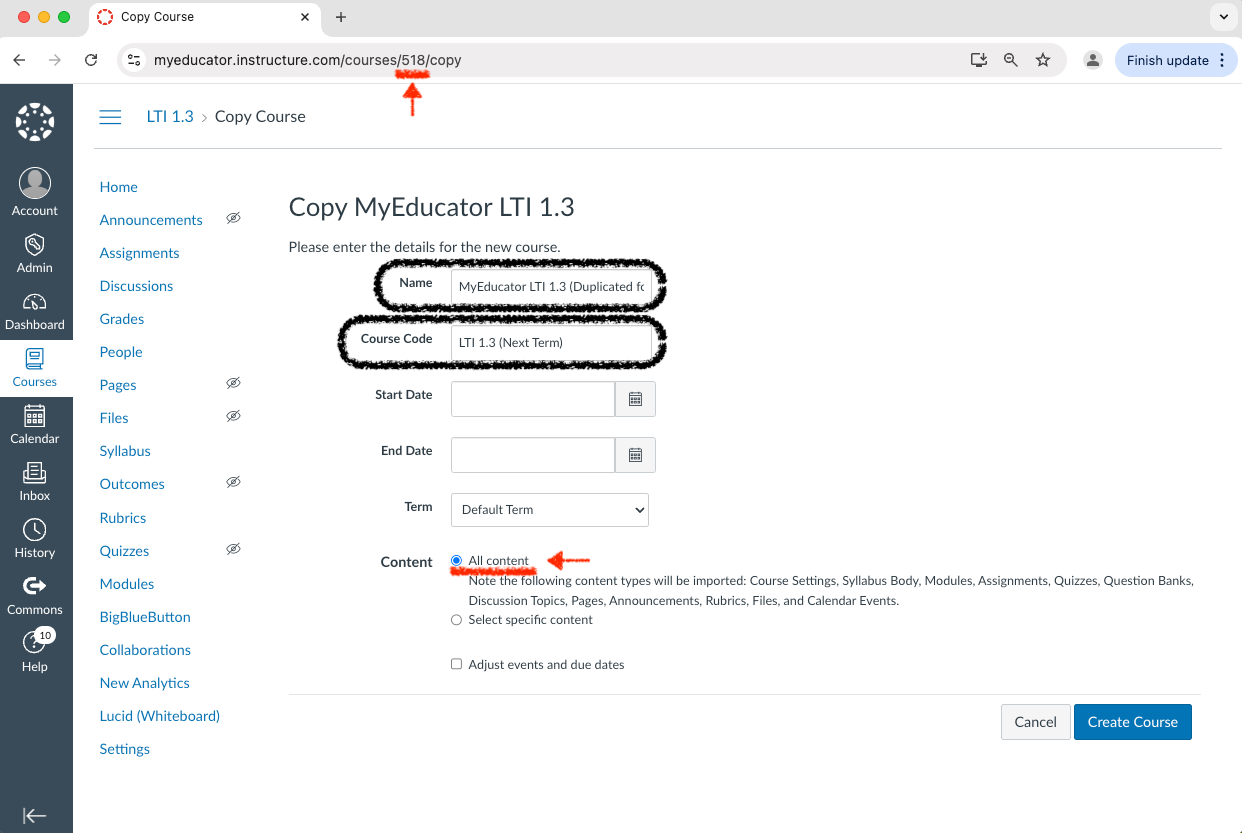
4) Change the text in the “Name” and “Course Code” text boxes to reflect the title of your new Canvas course.
Make sure that the “Content” button is set to “All content.”
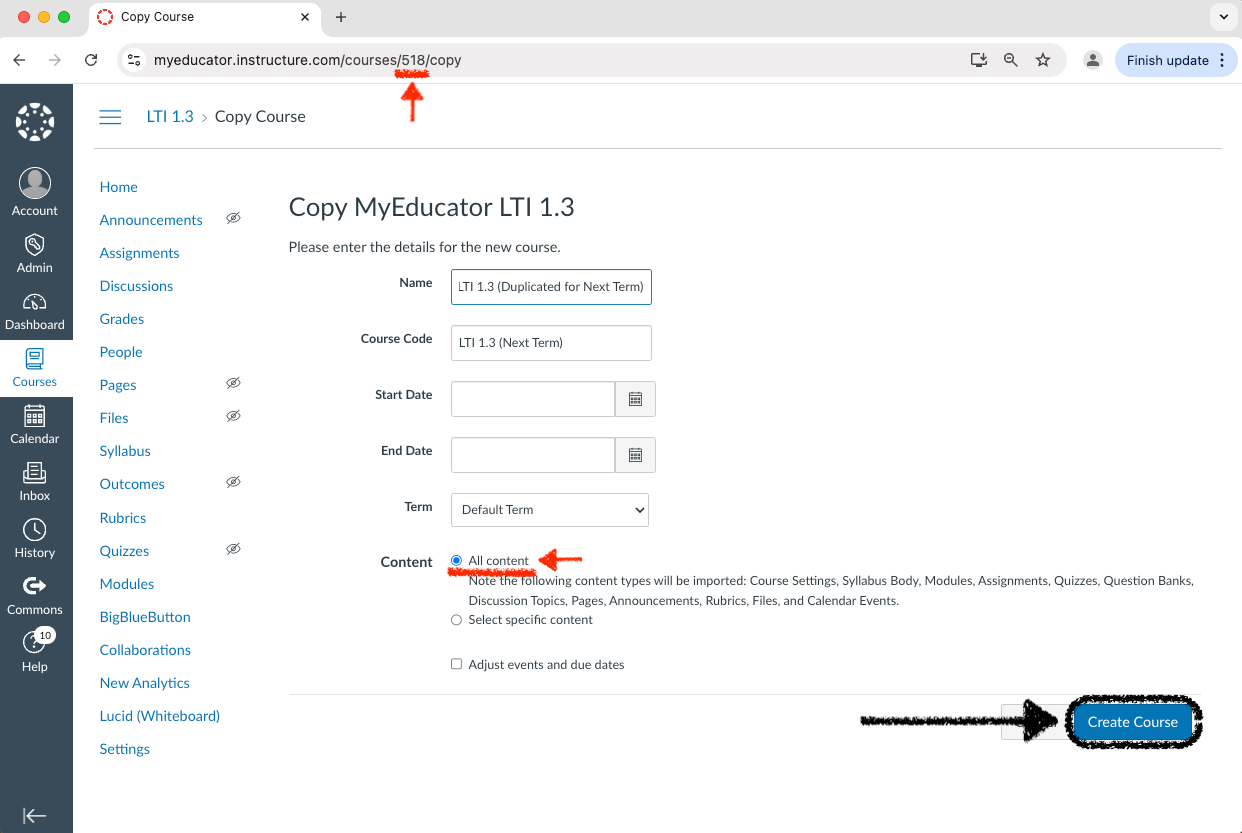
5) Click “Create Course.”
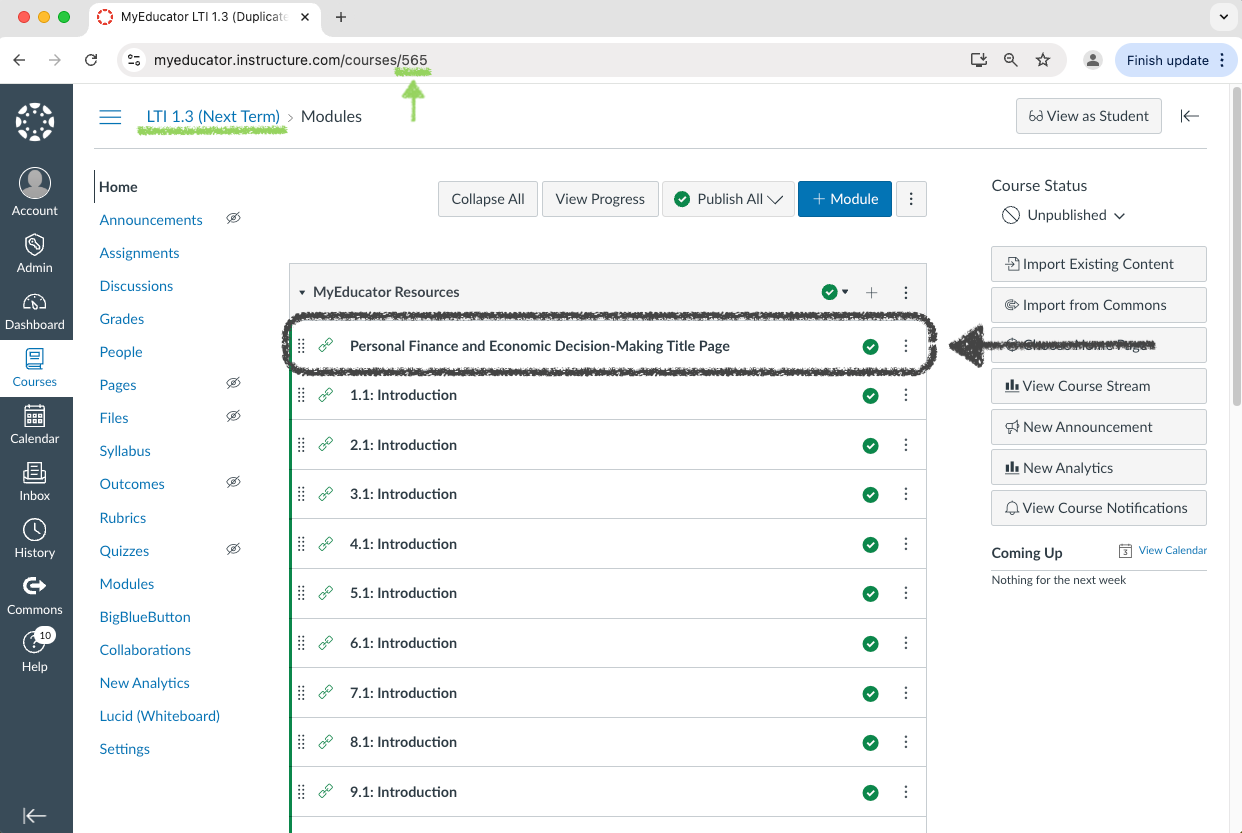
6) Note that the Canvas course number has changed (now 565 in the screenshot below), as has the Canvas course name.
The new Canvas course has been created and is now duplicating content from the old course.
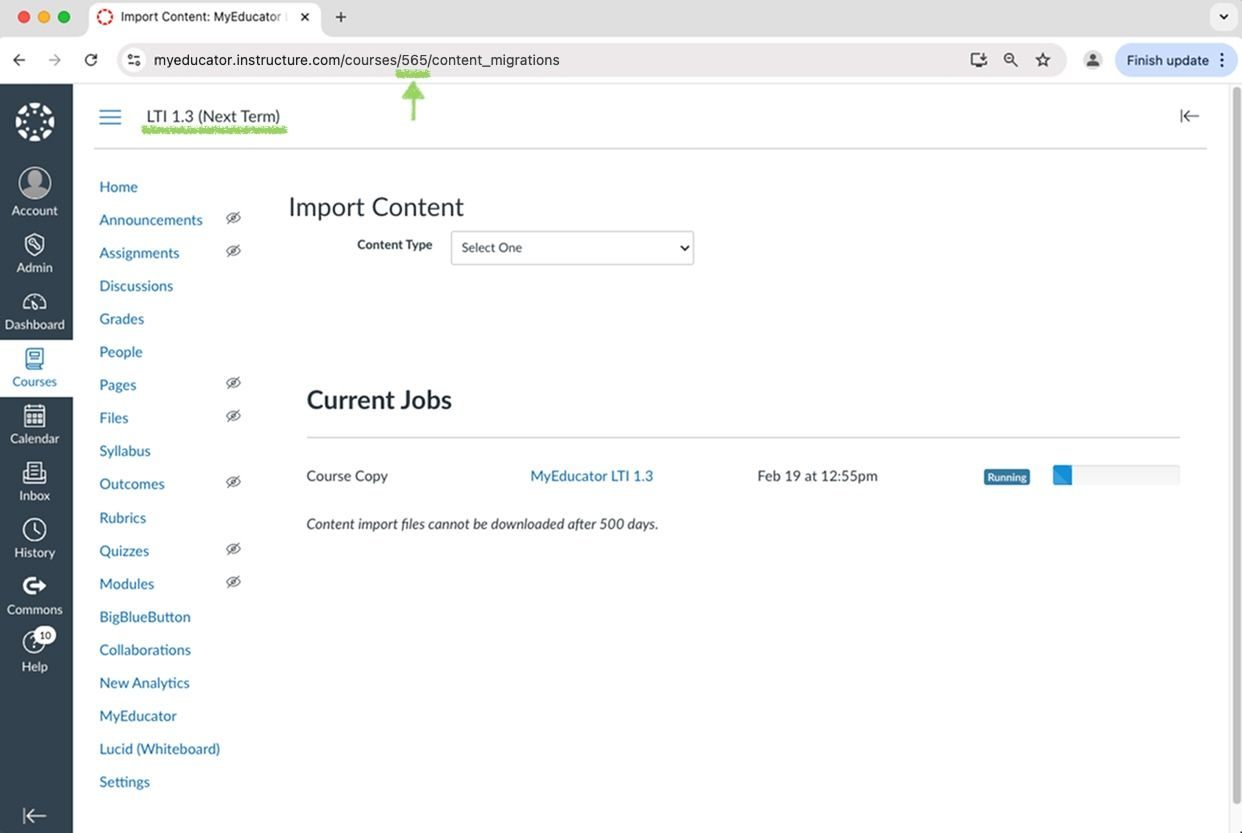
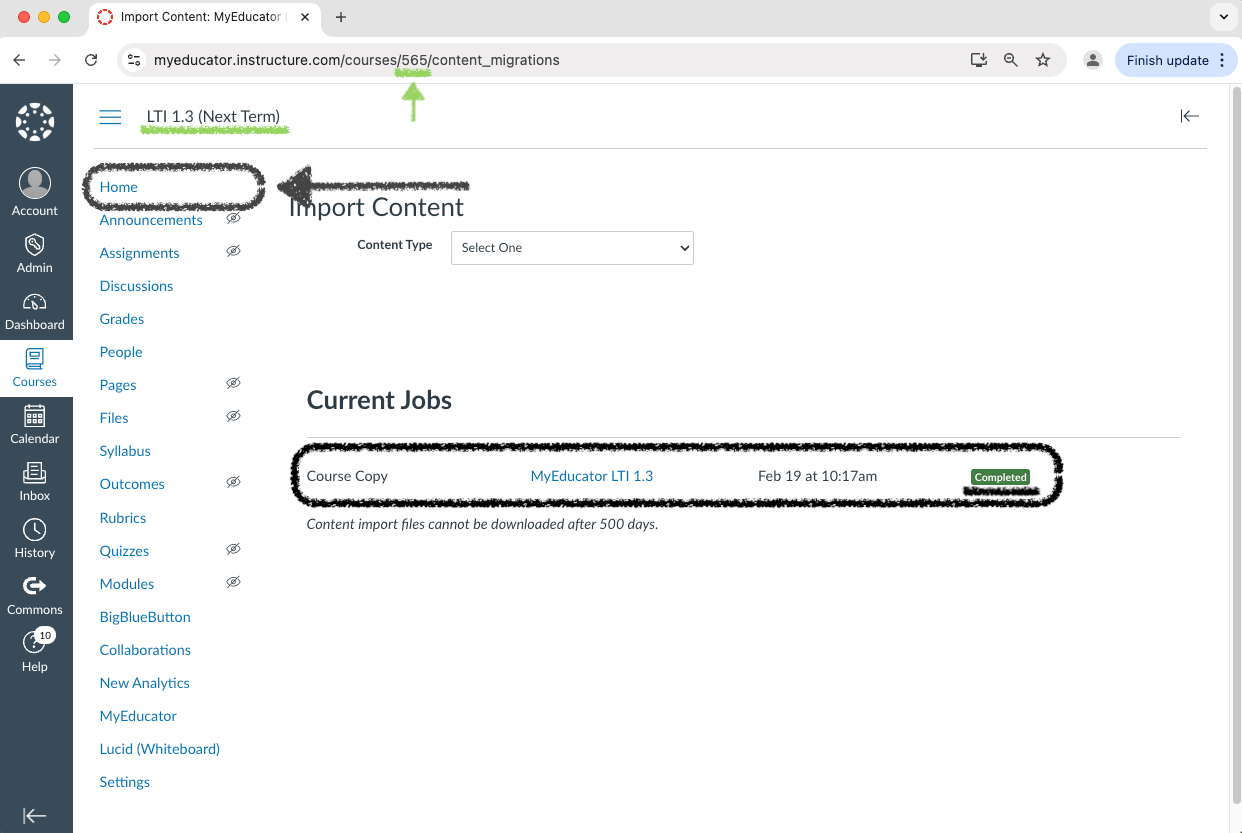
7) Once the “Course Copy” progress bar shows as completed, navigate to the “Home” page.
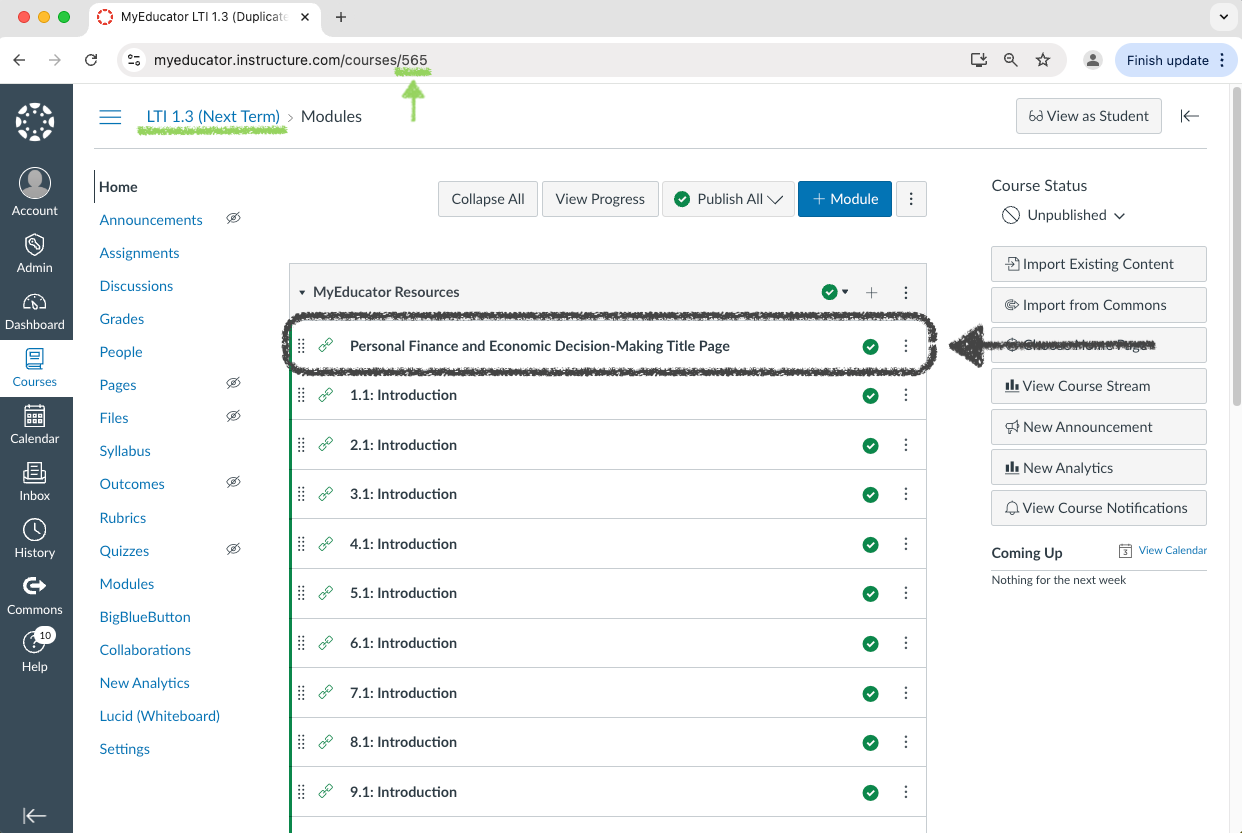
8) Click on the MyEducator title page link.
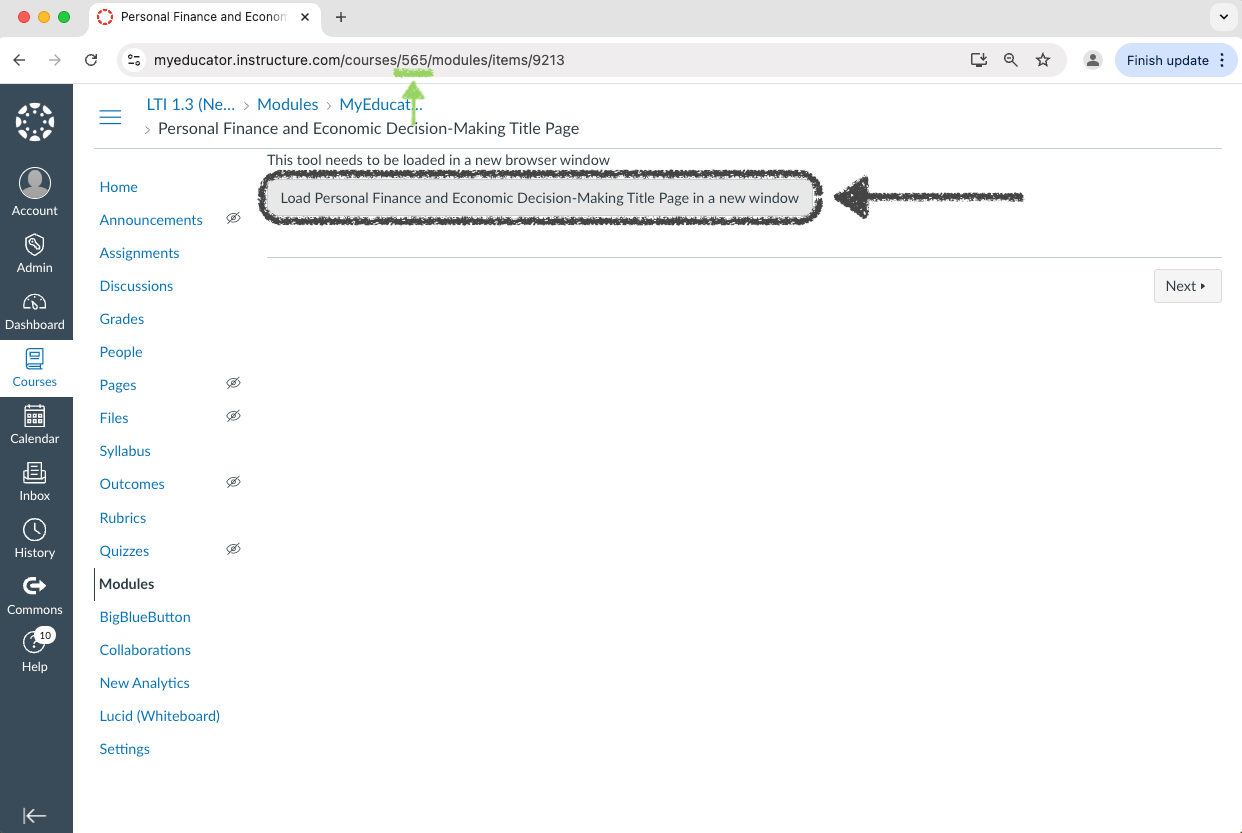
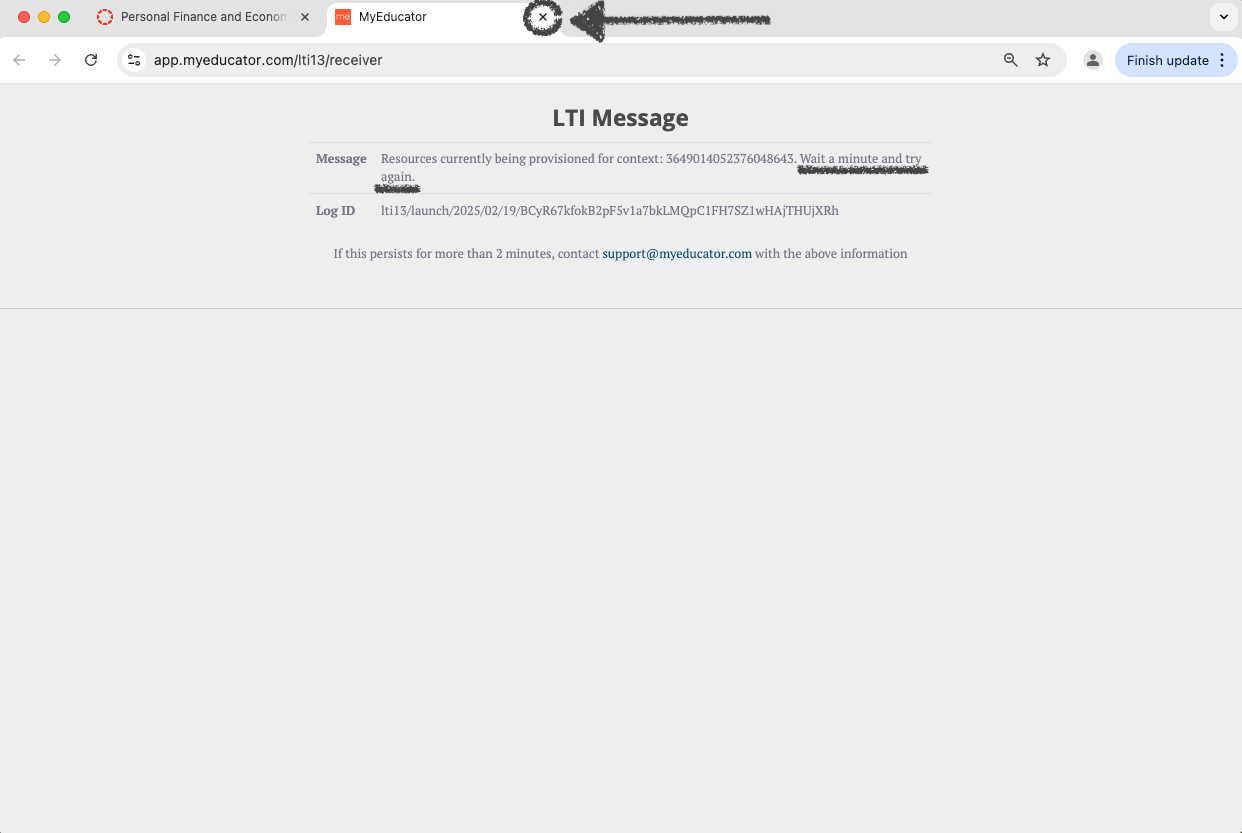
9) If you see an “LTI Message,” the resource for your new course is being provisioned.
Return to the “Home” page by exiting out of this tab, and/or clicking the “Home” page link.
Provisioning can take a few minutes.
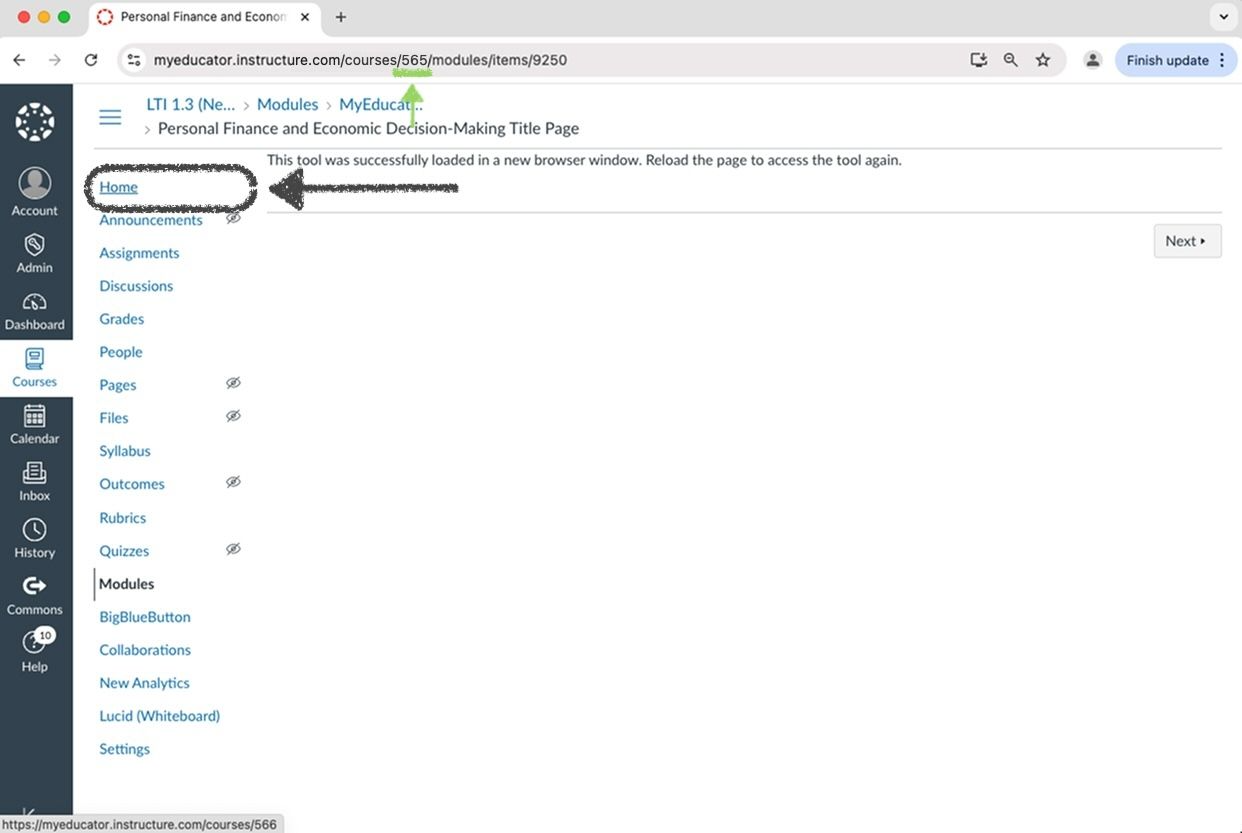
10) After a few minutes, click on the MyEducator title page link again.
Repeat step nine if the resource is still being provisioned.
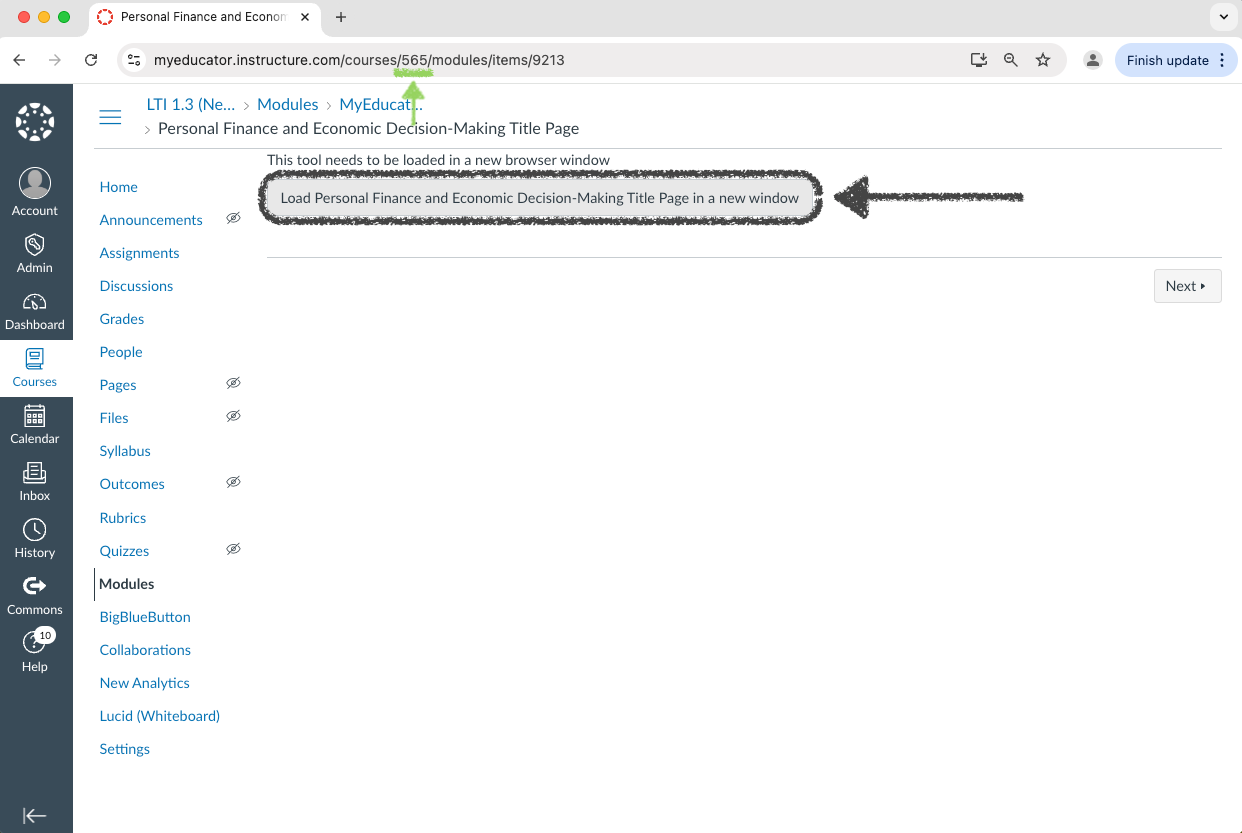
11) If you arrive at a resource title page, you have successfully duplicated your Canvas course.
Proceed to steps 12 and 13 to verify that this is a brand-new resource.

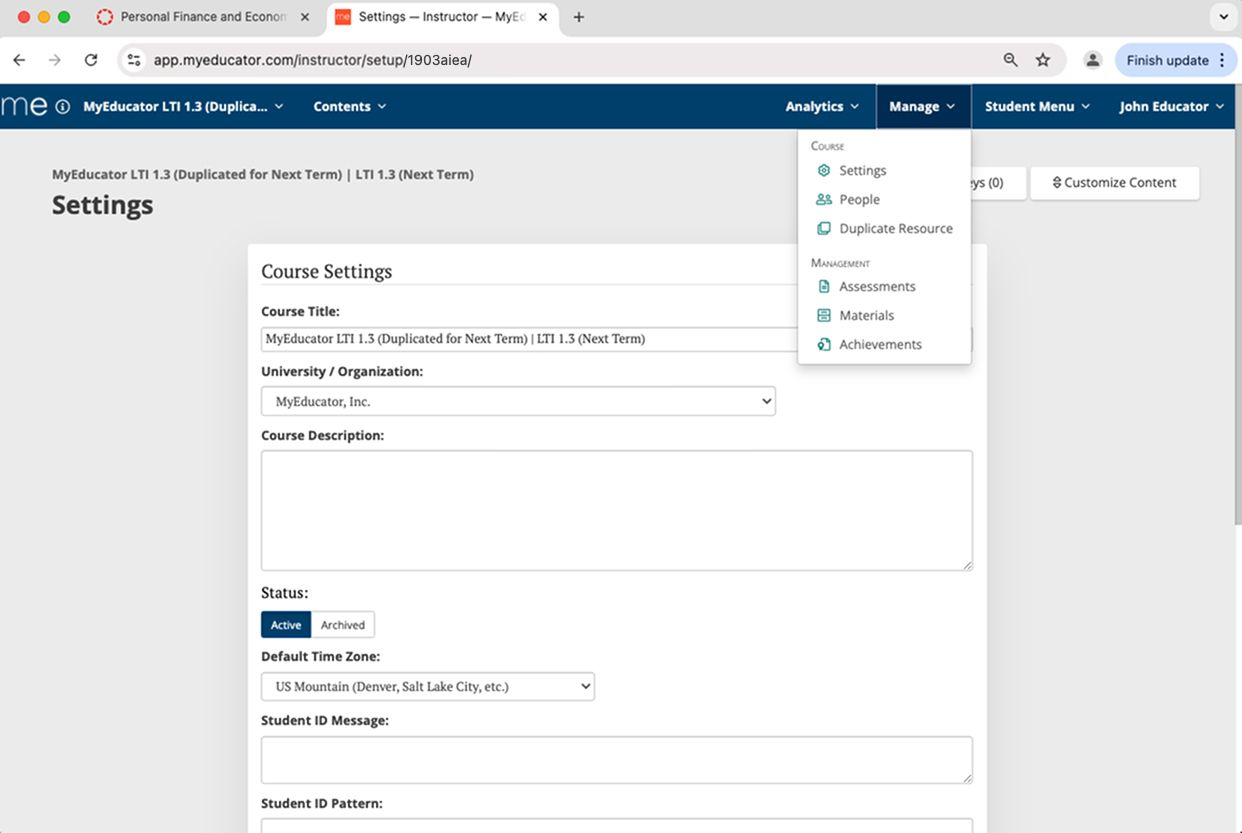
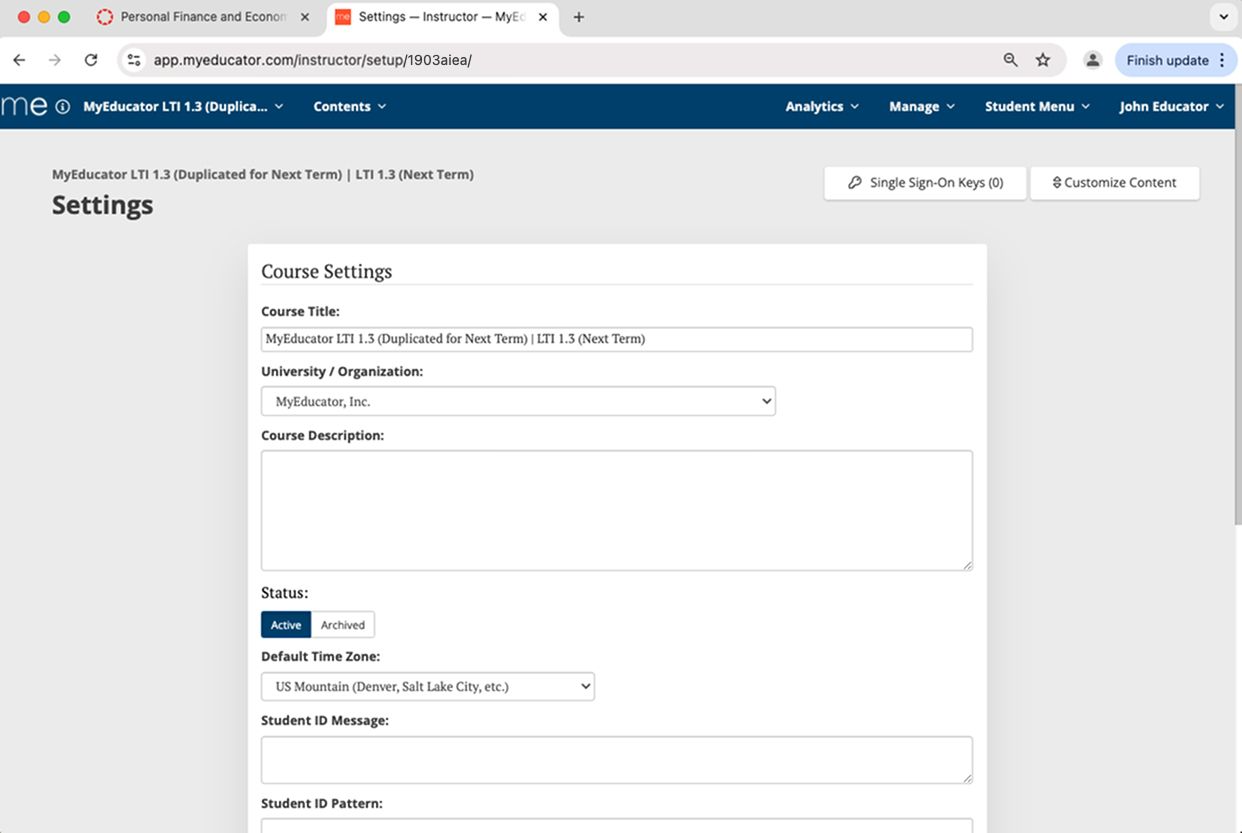
12) Click “Manage,” then “Settings.”
On the resource’s settings page, you can verify the title of this resource.
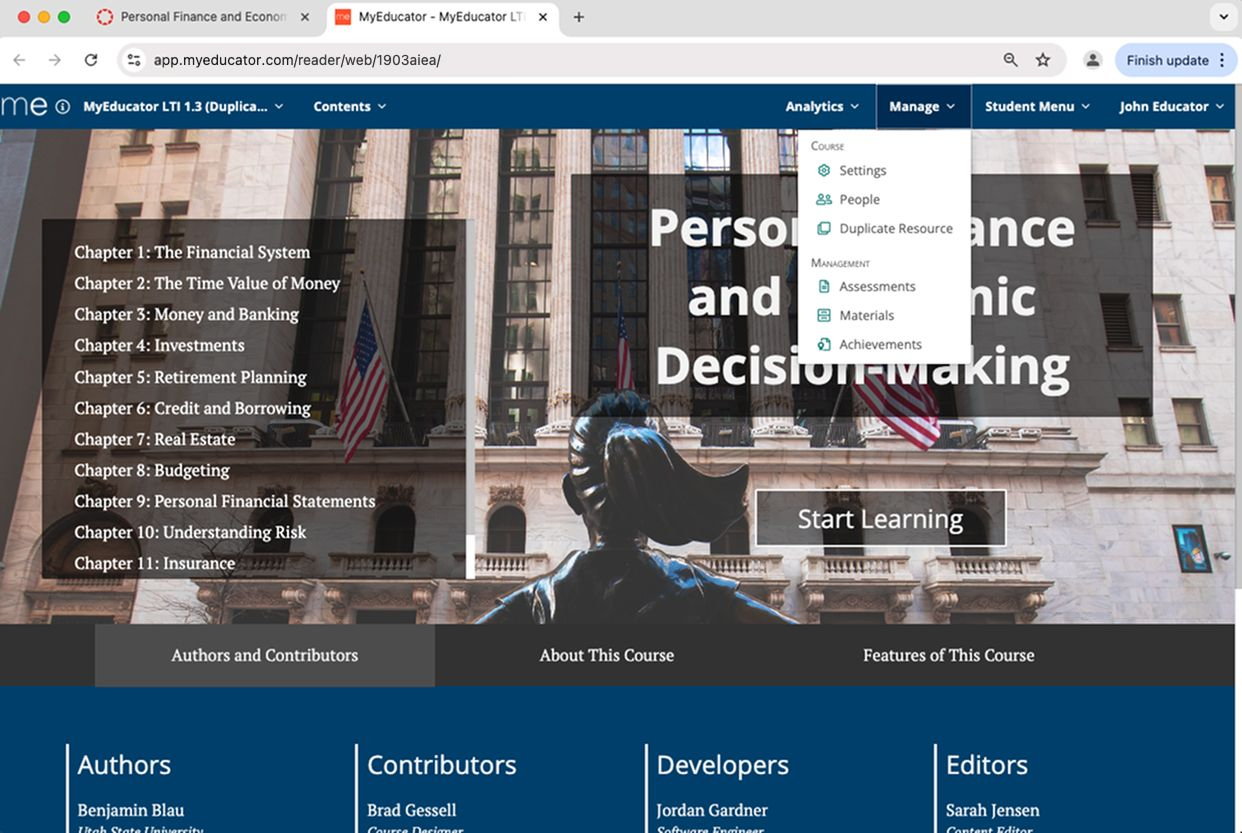
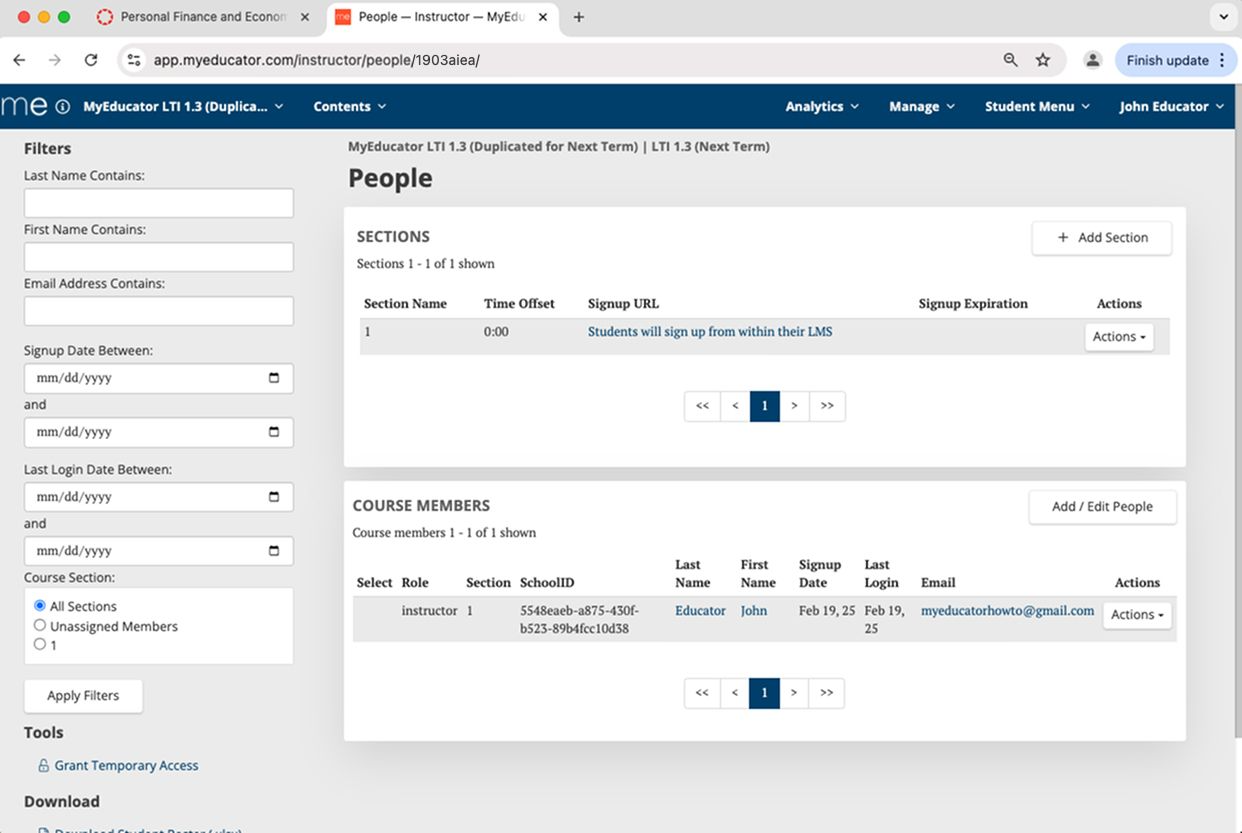
13) Click “Manage,” then “People.”
On the resource’s people page, you can verify that no students from the previous course are in this resource.