
Grades can be manually "pushed" from MyEducator to your Learning Management System by following the steps below.
1. Go to course homepage -> Manage -> Assessments -> then select the assessment in question (or start with one and then repeat this process for the others if nothing is syncing).
2. Find the student in question and click the drop-down arrow next to their submission(s).
3. Scroll to the bottom of their score breakdown and hit "Send Score to LMS."
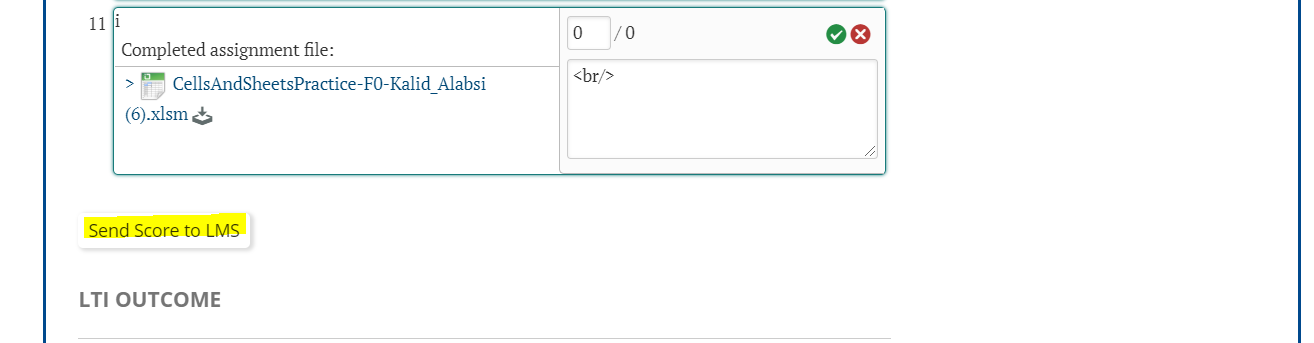
4. Their grade will appear in the your LMS shortly thereafter.
If you continue to run into issues, please reach out to support@myeducator.com for additional assistance!